
Best Password Manager for Windows 10
Protect your Windows 10 accounts with PureVPN’s Password Manager built for both security and ease. Autofill logins instantly, generate strong passwords, and keep your sensitive data safe in one encrypted vault.



What is Windows 10 Password Manager?
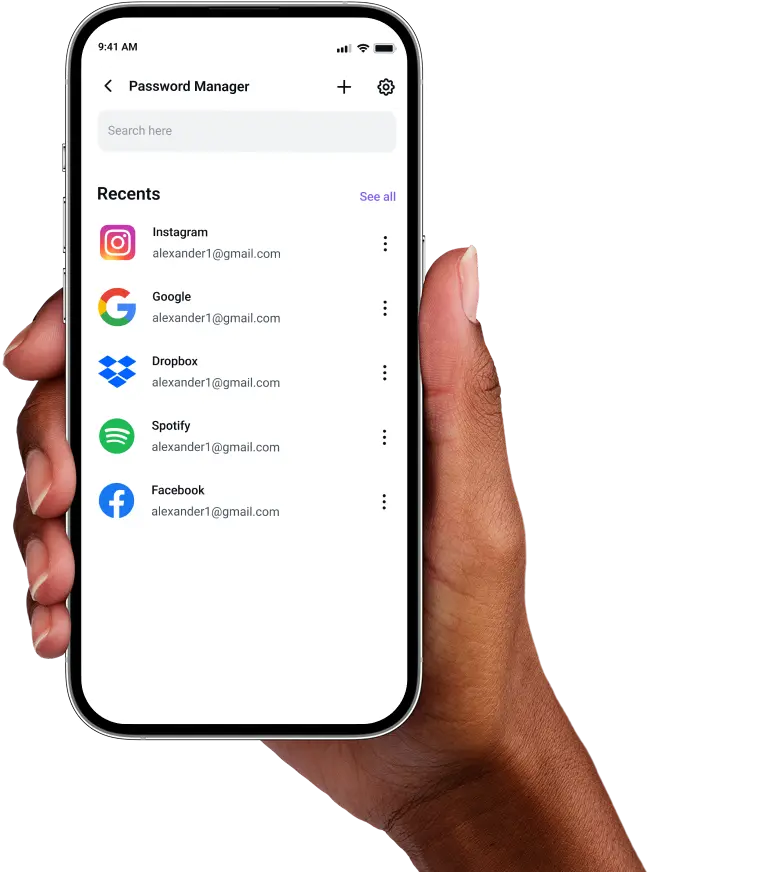
A Windows 10 password manager saves your credentials, helps you create unique passwords, and makes sign-ins seamless. Windows Credential Manager offers only basic local storage, which is why many users prefer third-party tools with cross-platform syncing, password health checks, and other advanced protections.
Why Do You Need a Password Manager on Windows 10?
Your online accounts remain at risk if your passwords are weak, reused, or stored insecurely. A password manager for Windows 10 addresses these vulnerabilities by allowing you to:
Manage All Your Credentials in One Place
With countless online accounts, remembering every password becomes impossible. A password manager centralizes them all in a secure vault, accessible through your desktop whenever you need them.
Create Strong, Unique Passwords
Weak or duplicate passwords leave you exposed to cyberattacks. A password manager generates complex, random passwords for each account, protecting you from dictionary attacks and credential stuffing.
Log in Easily and Quickly
Manual password entry wastes time and increases typo risks. With support for autofill and biometric authentication, you can log in instantly across browsers like Chrome, Edge, Firefox, as well as desktop apps.
Sync Passwords Across Devices
Your passwords stay synchronized and up-to-date across all platforms. Whether you are working on your Windows 10 desktop or laptop, your credentials remain backed up and accessible wherever you go.
Store More Than Just Passwords
In addition to logins, you can store just about anything like payment cards, software licenses, notes, and network credentials in one encrypted vault, always available whenever you need them.
What Makes PureVPN the Best Password Manager for Windows 10?
PureVPN’s Password Manager delivers enterprise-grade security with consumer-friendly simplicity. Here’s what sets it apart on Windows 10:
Auto-fill Across Apps and Browsers
Fill login forms instantly in Edge, Chrome, Firefox, and supported Windows apps using our auto fill feature. No more copying from text files or sticky notes on your monitor.
Cross-Device Syncing
Whether you are switching between your Windows 10 PC or tablet, your data remains encrypted and synchronized in real-time across all your devices.
Biometric Lock + Master Password Protection
Unlock your vault with a fingerprint or facial recognition for quick access, or use your master password as a secure fallback. Two layers of protection keep you in control.
Encrypted Notes for Sensitive Data
Secure more than usernames and passwords. Store software keys, secure documents, network passwords, and confidential information within your encrypted vault.
Built-In Password Generator
Generate strong, unique passwords with a single click. Whether creating new accounts or updating existing ones, replace weak and repeated passwords instantly.
Monitor Your Vault’s Health
Get notified about weak, duplicate, or aging passwords. The integrated password health monitor helps you identify and update security vulnerabilities before they become risks.
The Real Power Is In The Integration
Most password managers only save your logins. PureVPN protects the way you access them, too.
Logins That Leave No Trace
Cybercriminals track IP addresses and connection metadata. PureVPN not only offers an audited no-log policy but also masks these identifiers, so your logins remain completely private.
Invisible by Design
When your password vault operates behind a VPN connection, every action from autofill requests to vault synchronization travels through an encrypted tunnel. No exposure. No attack surface.
One App, One Encrypted Ecosystem
No juggling between apps or exposing data during transfers. PureVPN combines password management, VPN protection, and tracker blocking in a single, secure app for better security.
Protection That Activates Instantly
You are protected from the get-go. Your internet traffic is encrypted, your identity stays concealed, and your credentials remain locked behind multiple security layers.
How to Set up PureVPN’s Password Manager on Windows 10
Just follow these steps to get started:
Step 1

Download the PureVPN Windows app and log into your account
Step 2

Click Password Manager and create a master password.
Step 3

Add your credentials manually or import them and start generating secure passwords.
Frequently Asked Questions
Find answers to common questions about PureVPN Password Manager here.
Does Windows 10 have a free password manager?


Yes, Windows 10 includes Credential Manager, which stores passwords for Windows apps and network resources. However, it lacks browser integration, password generation, and cross-platform sync that modern password managers provide.
Why should I use a third-party password manager on my Windows 10?
Third-party password managers provide browser extensions, password generation, breach monitoring, and sync across all your devices. You get secure storage for payment cards, licenses, and notes, plus features like password sharing that Windows Credential Manager cannot match.
Are Windows 10 password managers safe?
Yes, when you choose a reputable provider like PureVPN, Windows 10 password managers are extremely secure. They use AES 256-bit encryption and zero-knowledge architecture, so only you can decrypt your data.
What is the best Windows 10 password manager?
The best password manager for Windows 10 combines security, usability, and cross-platform compatibility. PureVPN’s integrated manager delivers all three with military-grade encryption, seamless autofill, and top-of-the-line VPN protection.