Best Password Manager for Brave Browser
Keep your Brave logins protected with PureVPN’s Password Manager. Save credentials securely, autofill passwords instantly, and sync everything across devices from one encrypted vault.


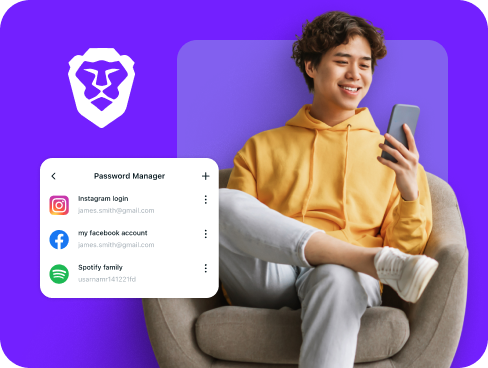
What is Brave Browser Password Manager?
A Brave password manager keeps your account details safe and makes sign-ins effortless. Brave’s built-in tool can remember passwords, but third-party managers add stronger protection, cross-platform syncing, and features like encrypted note storage.
Why Do You Need a Password Manager on Brave Browser?
Brave blocks trackers and ads by default, but your accounts remain at risk if you use weak or duplicate passwords. A password manager solve this problem by helping you:
Manage All Your Credentials in One Place
Jumping between multiple accounts daily makes password management difficult. A dedicated password manager centralizes all your credentials in an encrypted vault accessible through Brave’s interface.
Create Strong, Unique Passwords
Manually creating passwords leads to predictable patterns hackers exploit. A password manager generates cryptographically secure passwords for each site, protecting you from credential stuffing attacks.
Log in Easily and Quickly
Manual password entry wastes time and increases typo frustration. With automatic form detection one-click autofill, you can access any website or app instantly while maintaining security.
Sync Passwords Across Devices
Your passwords follow you seamlessly between devices. Switch from Brave desktop to mobile or even another browser without losing access to any saved credentials or secure notes.
Store More Than Just Passwords
Your vault isn’t just for logins. Use it to lock away credit card info, Wi-Fi credentials, or sensitive notes. Everything stays encrypted and organized under the same layer of security as your passwords.
What Makes PureVPN the Best Password Manager for Brave Browser?
PureVPN’s Password Manager integrates seamlessly with Brave while adding layers of security most standalone managers lack. Here are the key advantages:
Auto-Fill Across Apps and Safari
Sign in on Brave instantly. Credentials stored in your vault drop into login fields automatically, removing delays and mistakes that come with manual entry.
Cross-Device Syncing
Your vault stays consistent everywhere you use Brave. Updates you make on one device appear on others, always encrypted during transfer.
Biometric Lock + Master Password Protection
Unlock your vault with Face ID, Touch ID, or fingerprint scan on supported devices. A master password serves as a fallback, giving you layered control.
Encrypted Notes for Sensitive Data
Turn your vault into a private notebook. Save the details you can’t risk losing like codes or credit card details under the same encryption that protects your passwords.
Built-In Password Generator
Generate passwords attackers can’t guess. Create random, high-strength logins and save them instantly to your encrypted vault.
Monitor Your Vault’s Health
Track the strength of your saved logins. Weak, reused, or exposed passwords are flagged so you can replace them before they become risks.
The Real Power Is in the Integration
Standard password managers protect your credentials at rest. PureVPN secures them in transit too.
Logins That Leave No Trace
Your login attempts travel through encrypted VPN tunnels, hiding your real IP and location. Combined with our verified no-logs policy, your authentication patterns stay completely private.
Invisible by Design
Every password autofill, vault sync, and security check happens inside an encrypted channel. Attackers see nothing but encrypted traffic, with no way to intercept your credentials.
One App, One Encrypted Ecosystem
Password manager, VPN protection, and tracker blocker all come built into one app. Everything works together in a single secure environment, without relying on separate tools.
Protection That Activates Instantly
The moment PureVPN connects, Brave runs inside an encrypted session. From your first login to every site you visit, passwords and browsing stay protected with the highest level of security.
How to Set Up PureVPN’s Password Manager on Brave Browser
Get started with these simple steps:
Step 1

Download PureVPN or use the web app, then sign into your account.
Step 2

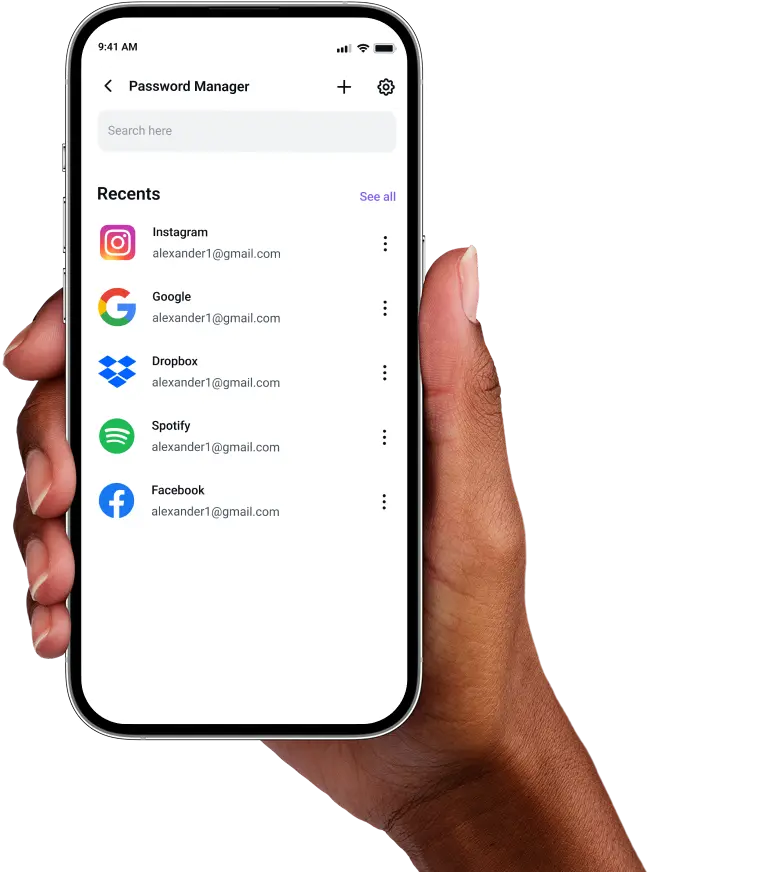
Select Password Manager, create your master password, and explore the other features.
Step 3

Import existing passwords from Brave or add new ones, then enable autofill for instant access.
Frequently Asked Questions
Find answers to common questions about PureVPN Password Manager here.
Does Brave have a free password manager?


Brave Browser has a built-in password manager through its Chromium base, storing credentials locally and syncing them via Brave Sync. However, for password health checking and other advanced features, you will need a dedicated password manager.
Why should I use a third-party password manager on Brave?
Third-party password managers on Brave give you features beyond the built-in options like cross-browser compatibility, secure sharing, password health checks, and encrypted storage for documents and notes.
Are Brave password managers safe?
Yes, you have nothing to worry about when using trusted providers like PureVPN. They employ end-to-end encryption, zero-knowledge architecture, and secure authentication methods ensuring only you can access stored data.
What is the best Brave password manager?
The best password manager for Brave combines strong security with ease of use. PureVPN’s solution offers military-grade encryption, cross-platform sync, biometric access, and VPN protection that keeps your login activity private.