Best Password Manager for Mac
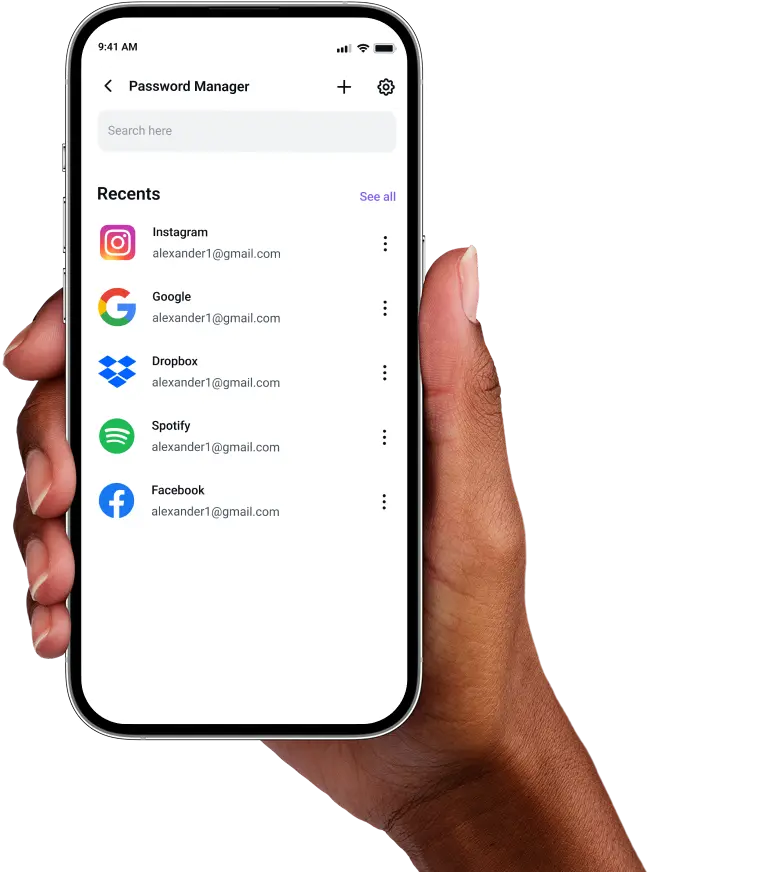
Keep your Mac credentials safe with PureVPN’s Password Manager. Enable Biometric Lock (available on Web), enjoy autofill convenience, and organize everything in one secure, encrypted vault.


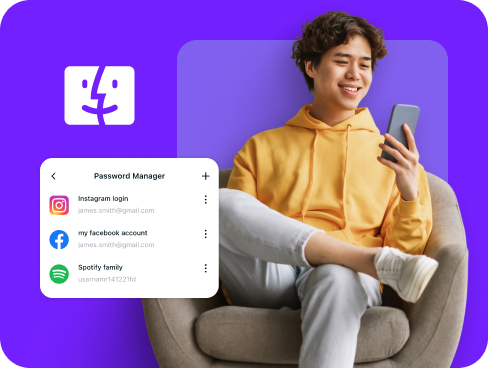
What is a Mac Password Manager?
A Mac password manager protects your accounts by storing logins, generating robust passwords, and streamlining access with autofill. While macOS includes Passwords (formerly iCloud Keychain) by default, many users choose third-party managers for advanced features like cross-platform sync beyond Apple devices and enhanced security controls.
Why Do You Need a Password Manager on Mac?
Your Mac’s security can’t protect you from poor password habits. A password manager strengthens your online safety by helping you:
Manage All Your Credentials in One Place
With countless accounts to juggle, remembering every password is nearly impossible. A password manager keeps them organized, secure, and always within reach.
Create Strong, Unique Passwords
Reused or predictable passwords leave you vulnerable. A password manager generates strong, random ones for every account, reducing the risk of brute-force attacks.
Log in Easily and Quickly
Manually typing passwords wastes time and causes frustration. With autofill and Biometric Lock, you can access apps and websites instantly, making logins effortless.
Sync Passwords Across Devices
Your credentials follow you everywhere. Whether you switch between devices or travel, your passwords stay synced, backed up, and ready whenever you need them.
Store More Than Just Passwords
Beyond logins, you can also secure credit cards, Wi-Fi details, and private notes in one encrypted vault, always available on your Mac and other devices.
What Makes PureVPN the Best Password Manager for Mac?
PureVPN’s Password Manager gives you advanced security without unnecessary complexity. Here’s why it’s the smarter choice for Mac users:
Auto-Fill Across Apps and Browsers
Log in instantly with autofill support in Safari and compatible apps. No more copying, pasting, or wasting time typing out long passwords by hand.
Cross-Device Syncing
Move seamlessly between your Mac, iPhone, and other devices. Your vault stays encrypted, backed up, and perfectly in sync wherever you sign in.
Biometric Lock + Master Password Protection
Enjoy the speed of Biometric Lock or the reliability of your master password. With two secure options, you’re always in full control of vault access.
Encrypted Notes for Sensitive Data
Protect more than just account logins. Safely store card details, Wi-Fi passwords, and private notes in an encrypted vault designed for organization and security.
Built-In Password Generator
Generate strong, unique passwords in seconds. Whether creating new accounts or refreshing old ones, you’ll avoid weak, reused logins with ease.
Monitor Your Vault’s Health
Stay ahead of risks with alerts on old, reused, or weak passwords. The built-in health checker helps you fix issues before hackers can exploit them.
The Real Power Is in the Integration
Most password managers only store your logins. PureVPN goes further by protecting how you access them.
Logins That Leave No Trace
Hackers thrive on data trails like IP addresses and metadata. PureVPN wipes those away, and with a strict no-logs policy independently audited, there’s nothing left to exploit.
Invisible by Design
Your vault runs inside a VPN shield. From autofill to syncing, every action passes through an encrypted tunnel, meaning no leaks, no exposure, no attack surface.
One App, One Encrypted Ecosystem
Forget juggling multiple tools. PureVPN unifies your vault, VPN, and tracker blocker into a single, closed system designed for seamless security.
Protection That Activates Instantly
The moment you launch the app, protection kicks in—encrypting your traffic, masking your identity, and sealing your credentials behind layered defenses.
How to Set Up PureVPN’s Password Manager on Mac
Follow these steps to get started:
Step 1

Download the PureVPN macOS app and log into your account.
Step 2

Click Password Manager from the sidebar and create a master password.
Step 3

Import your credentials or add them manually, generate unbreakable passwords, and explore other features!.
Frequently Asked Questions
Find answers to common questions about PureVPN Password Manager here.
Does Apple have a free password manager?


Yes. Apple includes Passwords (formerly iCloud Keychain), a free password manager that stores and autofills credentials across Apple devices. It works well within the ecosystem but doesn’t extend beyond Apple platforms.
Why should I use a third-party password manager on my Mac?
Third-party options give you more flexibility and security. You can generate stronger passwords, sync data across non-Apple devices, store sensitive notes, and more—all from one secure vault.
Are Mac password managers safe?
Absolutely, when you choose a reliable provider like PureVPN. They rely on AES 256-bit encryption and zero-knowledge design, so your data stays locked away from everyone but you.
What is the best Mac password manager?
The best choice combines security, simplicity, and cross-device compatibility. PureVPN’s manager delivers all three with encryption, autofill, Biometric Unlock, and the added strength of built-in VPN protection.