Get Password Manager with VPN Protection
StandardFor everyday productivity $12.95 /month/month What is Included:
| MOST POPULAR MaxComplete identity + internet protection $19.95 /month/month What is Included:
|
Secure Vault Unlimited Items Save & Autofill Zero Knowledge Encryption Password Generator Unlimited Devices Full featured, Faster VPN Tracker & Ad Blocker Dark Web Monitoring (Email Only) Data Removal | Secure Vault Unlimited Items Save & Autofill Zero Knowledge Encryption Password Generator Unlimited Devices Full featured, Faster VPN Tracker & Ad Blocker Dark Web Monitoring Data Removal |


Let’s Get Started
Securely store your logins, credit cards, and personal details — all in one place.
Thank you for choosing PureVPN
Please click to download any app to continue your Password Manager journey
Download PureVPN on MacOS
Scan to Download PureVPN on iOS

App Store Link
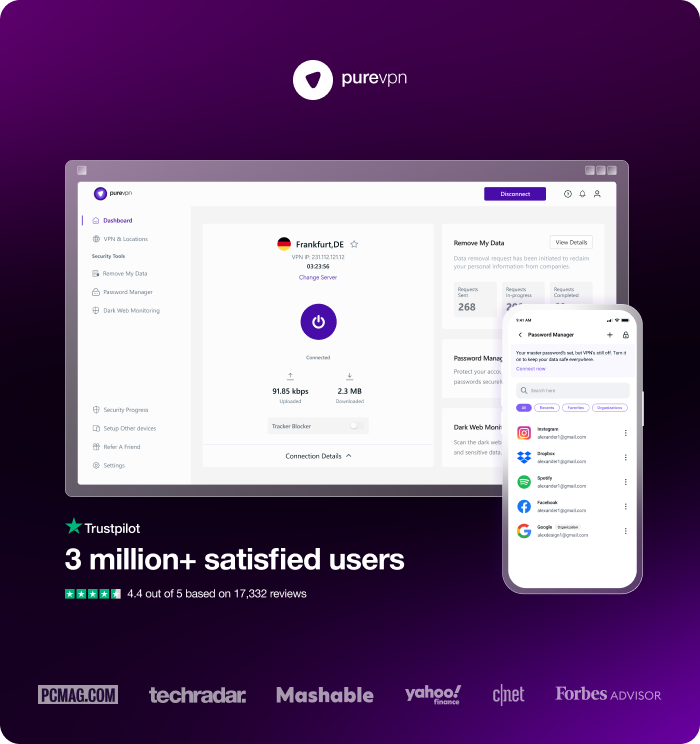
3 million+ satisfied users
Frequently Asked Questions
Find answers to common questions about PureVPN’s Password Manager here.
What is Password Manager and how does it work?


Password Manager helps you securely store, manage, and autofill sensitive information across your devices. It supports more than just passwords – you can organize data in multiple categories, including Logins, Credit Cards, Bank Accounts, Crypto Wallets, WiFi Passwords, Passports, Secure Notes, and more. Everything is safely encrypted for your convenience and security.
How do I create a master password?
During setup, you’ll be prompted to create a master password – this is the only password you need to remember. It should be strong, unique, and not shared.
What platforms does Password Manager support?
It is available on Android, iOS, Windows, macOS, and the Web.
Can I recover my account if I forget the master password?
If you forget your master password, it cannot be recovered. You’ll need to reset it, but please note, this will permanently delete all your stored data for security reasons.
What happens if I uninstall the app? Will I lose my data?
No, your data is securely stored in your encrypted vault. You can re-login from any supported device to access it.
Can I use Password Manager on multiple devices?
Absolutely. Your vault syncs across all your devices where Password Manager is installed.