
Best Password Manager for Samsung
Manage your Samsung accounts with ease using PureVPN’s Password Manager. Generate strong, unique passwords, store them in an encrypted vault, and fill logins automatically across your apps and browsers.


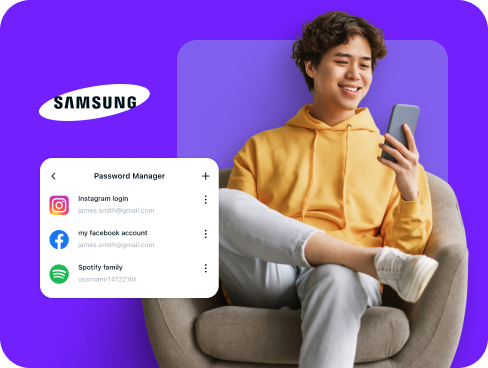
What is Samsung Password Manager?
A Samsung password manager secures your accounts by keeping all your logins in one encrypted vault. It also generates unique, hard-to-guess passwords and autofills them on your favorite apps and sites. While Samsung offers Samsung Pass with fingerprint or face unlock, third-party password managers add extras like syncing to non-Samsung devices, storing secure notes, and monitoring password health.
Why Do You Need a Password Manager on Samsung?
Samsung devices come with strong built-in protections, but they can’t prevent weak or reused passwords from putting your accounts at risk. A password manager fills that gap by helping you:
Manage All Your Credentials in One Place
From mobile banking and shopping apps to email and cloud storage, the average Samsung user juggles dozens of logins. Store them all in one secure vault, so you can access them whenever needed.
Create Strong, Unique Passwords
Predictable or repeated passwords are easy targets. With a password manager, every account gets its own long, random password, closing off one of the most common ways hackers break in.
Log in Easily and Quickly
Manual password entry wastes time and causes frustration. Thanks to autofill support, you can access your apps and websites instantly on your Samsung device, streamlining your daily digital activities.
Sync Passwords Across Devices
Your passwords stay synchronized and accessible across all your devices. Whether you switch between your Samsung phone or tablet, your credentials remain backed up and ready for immediate use.
Store More Than Just Passwords
Your digital life includes more than passwords. Keep payment cards, Wi-Fi details, and personal notes locked inside an encrypted vault, ready to use securely on your Samsung device.
What Makes PureVPN the Best Password Manager for Samsung?
PureVPN’s Password Manager is designed to fit seamlessly into your Samsung experience, combining simplicity with powerful security. Here’s what makes it stand out:
Auto-Fill Across Apps and Browsers
Skip the hassle of copying and pasting. Autofill drops your saved credentials directly into websites and apps, letting you sign in instantly and securely.
Cross-Device Syncing
Whether you use a Galaxy phone, a Samsung tablet, or even non-Samsung devices, your vault stays updated everywhere, so your passwords are never out of reach.
Biometric Lock + Master Password Protection
Unlock with a fingerprint or face scan for speed, or fall back on your master password for control. Both methods ensure only you can get into your vault.
Encrypted Notes for Sensitive Data
Keep more than passwords safe. Save payment cards, Wi-Fi details, and private notes, organized and protected on your Samsung device.
Built-In Password Generator
Create long, unique passwords with a tap. Every account gets its own strong login, reducing the risks of weak or reused credentials.
Monitor Your Vault’s Health
Your vault flags passwords that are weak, duplicated, or outdated, so you know exactly which accounts need an update before attackers try to exploit them.
The Real Power Is in the Integration
Standard password managers only secure your stored credentials. PureVPN protects your entire access pathway.
Logins That Leave No Trace
Signing into accounts can expose your IP address and location. PureVPN masks these details and, with its no-logs policy, ensures your activity isn’t recorded or traceable.
Invisible by Design
Every vault action, whether it’s syncing data or autofilling a login, is shielded inside VPN encryption. Outsiders can’t intercept or monitor, leaving attackers with nothing to exploit.
One App, One Encrypted Ecosystem
No need to rely on separate apps for security. PureVPN combines password management, VPN protection, and tracker blocking into a single solution.
Protection That Activates Instantly
As soon as PureVPN runs, your traffic is encrypted and your identity is masked. Your vault itself remains locked with its own encryption at all times.
How to Set Up PureVPN’s Password Manager on Samsung
Get started with our Password Manager in three simple steps:
Step 1

Download the PureVPN app from Google Play Store and sign into your account
Step 2

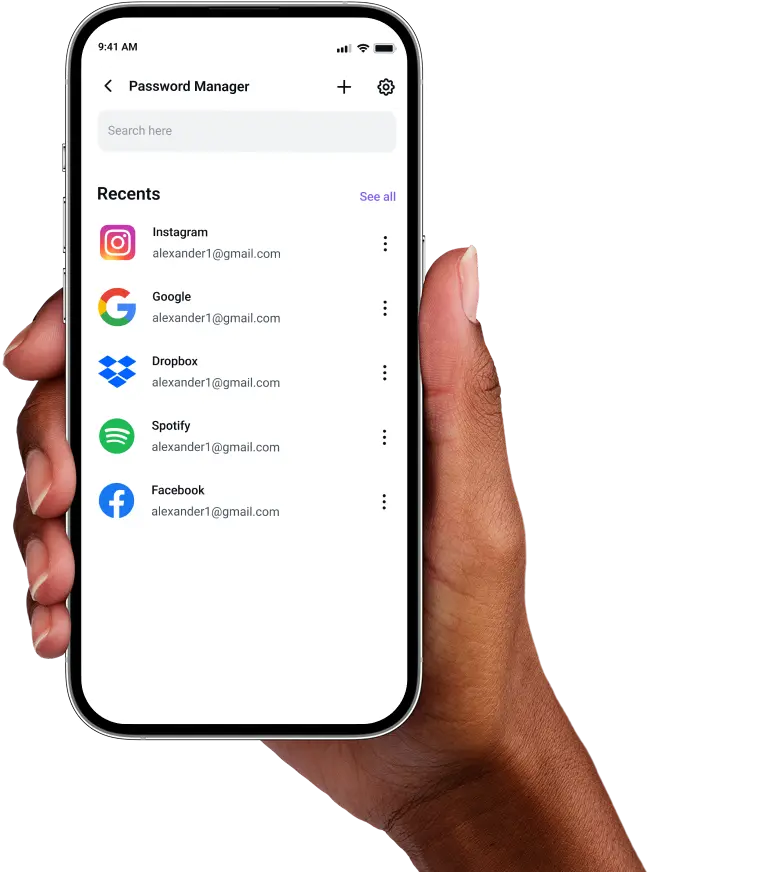
Open the Password Manager tab, set your master password and enable other features.
Step 3

Import existing credentials or add them manually while generating secure passwords for each account.
Frequently Asked Questions
Find answers to common questions about PureVPN Password Manager here.
Does Samsung have a free password manager?


Yes, Samsung provides Samsung Pass, a built-in password manager that stores and autofills credentials using biometric authentication. While free for Samsung device users, it primarily works within the Samsung ecosystem.
Why should I use a third-party password manager on my Samsung?
Third-party password managers provide enhanced security features, broader device compatibility, and advanced functionality. You get stronger password generation, cross-platform synchronization, encrypted storage for sensitive data, and more.
Are Samsung password managers safe?
Yes. Samsung Pass is secure for basic use, but third-party managers like PureVPN go further with AES 256-bit encryption, zero-knowledge architecture, and other security layers.
What is the best Samsung password manager?
The ideal password manager for Samsung combines robust security, intuitive interface, and universal compatibility. PureVPN’s integrated manager delivers encrypted vaults, autofill support, VPN protection, and biometric authentication (through its web app).