Best Password Manager for Google
Keep your logins safe across Chrome, Android, and Chromebook with PureVPN’s encrypted Password Manager. It works inside the Google ecosystem with autofill, cross-device sync, and best-in-class security at every step.


What is Google Password Manager?
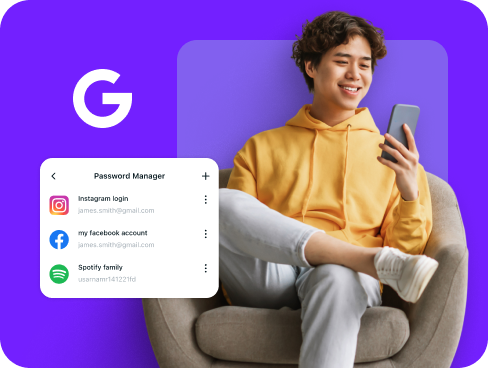
Google Password Manager is built into Chrome and Android, storing and filling your passwords whenever you sign in. While it’s convenient, it mainly works within Google’s ecosystem. A third-party solution adds advanced features like secure note storage, cross-platform access, and stronger password health monitoring.
Why Do You Need a Password Manager on Google?
Your Google devices connect you to email, files, payments, and apps. A single weak login puts it all at risk. A dedicated password manager for Android, Chrome, and Chromebook helps you:
Manage All Your Credentials in One Place
From your Gmail and YouTube logins to banking apps and social networks, you have dozens of passwords. A password manager keeps them all secure and accessible in one encrypted vault.
Create Strong, Unique Passwords
Predictable passwords like birthdays or names are easy to crack. A manager creates complex, unique combinations for each account, closing the door on brute force and credential stuffing attacks.
Log in Easily and Quickly
Stop wasting time typing passwords. With autofill enabled in Chrome and Android apps, you can access your accounts instantly with a single click. No more typing or resetting passwords, one tap is enough.
Sync Passwords Across Devices
Do you switch between Android, Chromebook, and desktop from time to time? Your vault stays synced in real time, keeping every login updated and encrypted no matter what device you’re on.
Store More Than Just Passwords
Beyond login credentials, you can securely save payment information, secure notes, and authentication codes. Everything sensitive stays protected in your encrypted digital vault.
What Makes PureVPN the Best Password Manager for Google?
PureVPN’s Password Manager gives you strong security while fitting seamlessly into your Google ecosystem. Here’s what makes it stand out:
Auto-Fill Across Apps and Safari
Works flawlessly with Chrome and Android apps. Log in instantly to Gmail, YouTube, or any site without typing or copying.
Cross-Device Syncing
Your vault stays updated whether you’re on Android, Chromebook, Windows, or Mac. Logins follow you securely, not just inside Google’s ecosystem.
Biometric Lock + Master Password Protection
Unlock your vault with fingerprint or face recognition where supported, or use the master password for full control. Two layers of access keep your data safe.
Encrypted Notes for Sensitive Data
Store backup codes, payment details, and private files under military-grade encryption, giving you more than just password storage.
Built-In Password Generator
Create strong, random passwords with one click, directly inside Chrome or Android. No weak or reused logins to compromise your security.
Monitor Your Vault’s Health
Get instant alerts if your passwords are weak or reused, so you can update them before attackers can take advantage and break into your accounts.
The Real Power Is in the Integration
Standard password managers only protect your stored passwords. PureVPN protects how you access them across Chrome, Android, and beyond:
Logins That Leave No Trace
Every login request runs through VPN encryption, hiding your IP and location. Plus, with a strict no-logs policy, there’s nothing attackers can connect back to you.
Invisible by Design
Autofill, vault sync, and browsing in Chrome all move inside encrypted VPN tunnels. No exposure, no open surface for interception.
One App, One Encrypted Ecosystem
Get a password manager, VPN protection, and tracker blocker in a single app. One tool, full protection, no gaps between services.
Protection That Activates Instantly
Connect to PureVPN and your logins move through an encrypted tunnel right away. Passwords stay private, activity stays hidden, and protection is always on.
How to Set Up PureVPN’s Password Manager on Google
Get started in three simple steps:
Step 1

Download PureVPN from the Play Store or Chrome Web Store and log in.
Step 2

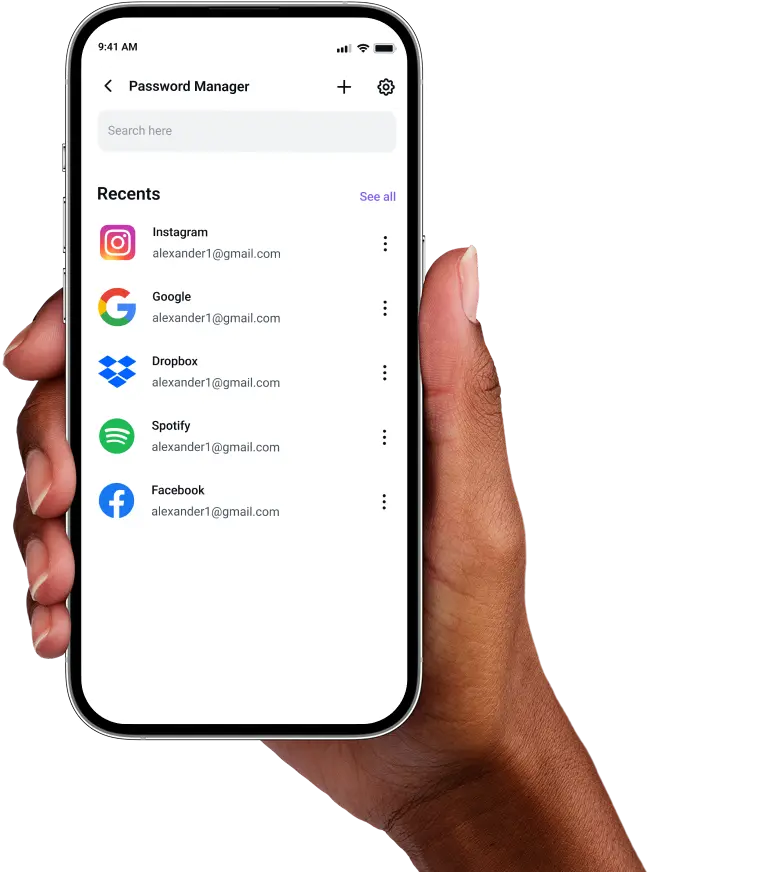
Go to Password Manager, create your master password or enable biometrics for quick access.
Step 3

Import saved passwords or add new ones, then autofill them across apps and websites.
Frequently Asked Questions
Find answers to common questions about PureVPN Password Manager here.
Does Google have a free password manager?


Yes. Google includes a free password manager built into Chrome and Android. It saves and syncs passwords across your Google devices but doesn’t offer cross-platform support or deeper features like password health monitoring.
Why should I use a third-party password manager on Google ?
Third-party managers provide stronger encryption, wider compatibility, and advanced tools like password health checks, secure note storage, and more. They give you features Google’s basic manager doesn’t include.
Are iPhone password managers safe?
Google’s built-in option is safe for basic use, but third-party managers like PureVPN add layers of protection. With AES-256 encryption, biometric access, and zero-knowledge design, your data stays private.
What is the best iPhone password manager?
The best option secures your credentials while working across Android, Chrome, Chromebook, and beyond. PureVPN delivers that with encrypted storage, autofill, biometric support, and built-in VPN integration.